
Module · Recording
What went to air stays recorded
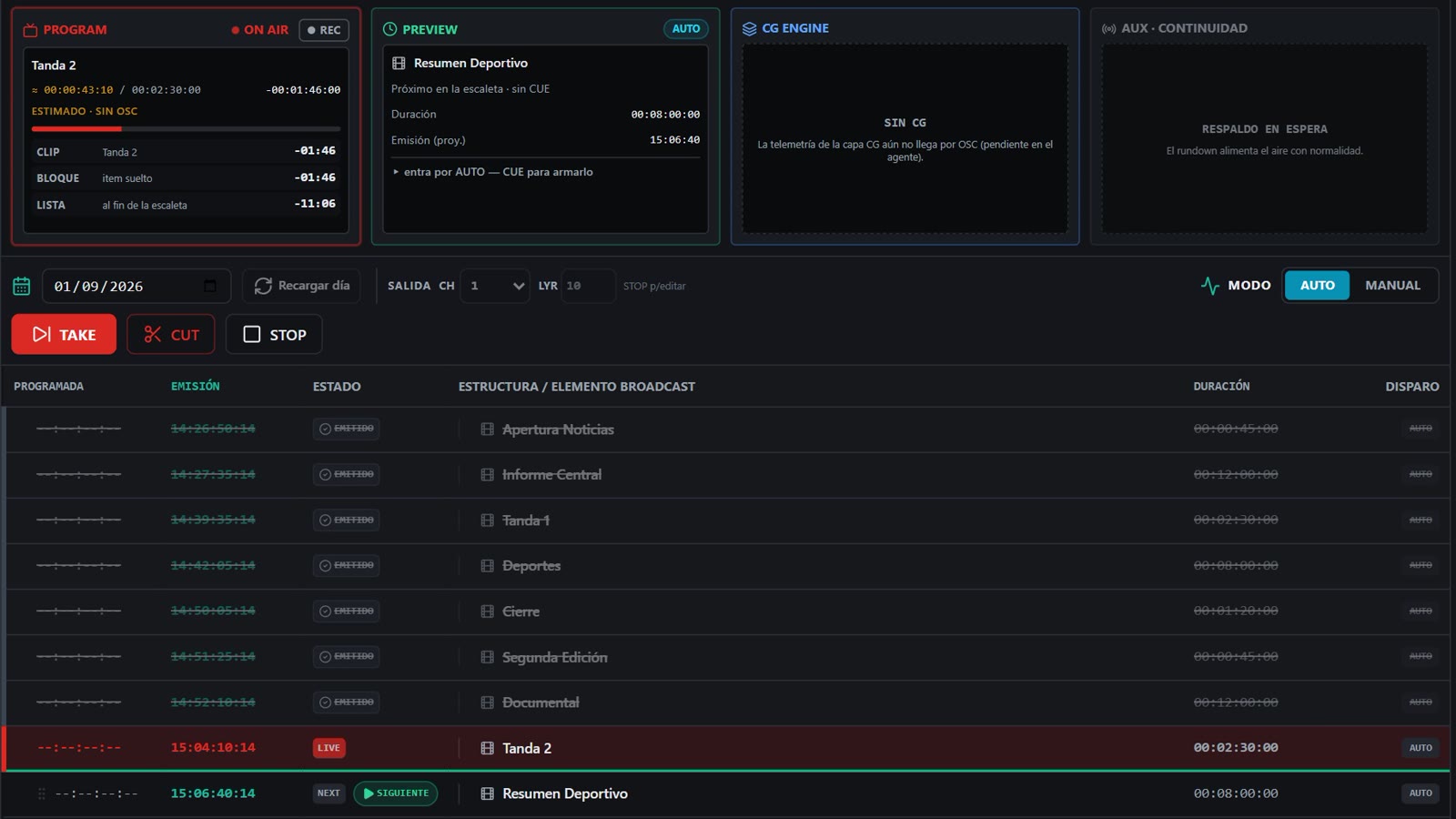
Recording is switched on from the same Playout screen, with the signal on air. For the complaint, for the archive, or to run it again.
What it does
One thing, done properly: recording the channel output to disk.
-
The channel output
It records what goes to air, graphics included: the same thing the viewer is watching.
-
With the signal on air
Nothing has to stop and no second machine is involved. It is switched on and off from PROGRAM.
-
Alongside As-Run
The log says what went out and when; the recording is the proof. They answer different questions and are used together.
-
It asks for machine
Recording is the heaviest thing the product does: we measured it, and that is where the 4-core floor comes from.
Technical sheet
| What it records | The channel output, with whatever graphics are on air |
|---|---|
| Where from | The REC button on the PROGRAM panel, on the Playout screen |
| Destination | The station's disk. Media library space is budgeted separately |
| Cost in machine | Measured: one signal on air uses ~28 % of the processor, and ~82 % while also recording (on a 2-core box) |
| How it is enabled | By licence, on your account. Ask us about yours |
| Permissions | Per person: who may press REC is decided per user |
Request a demo
Tell us about your channel and what you go on air with today. We'll show you the product running, and then we'll talk numbers.
We use your details only to reply to you. We don't share them with anyone.